
Framedash Documentation
See your game's performance, right on the map.
Capture FPS, memory, and GPU telemetry as heatmaps, then use your CI pipeline's build_id to review build-to-build frame-time changes on the Regression page or via static threshold alerts. Drop it into Unity, UE5, or Godot.
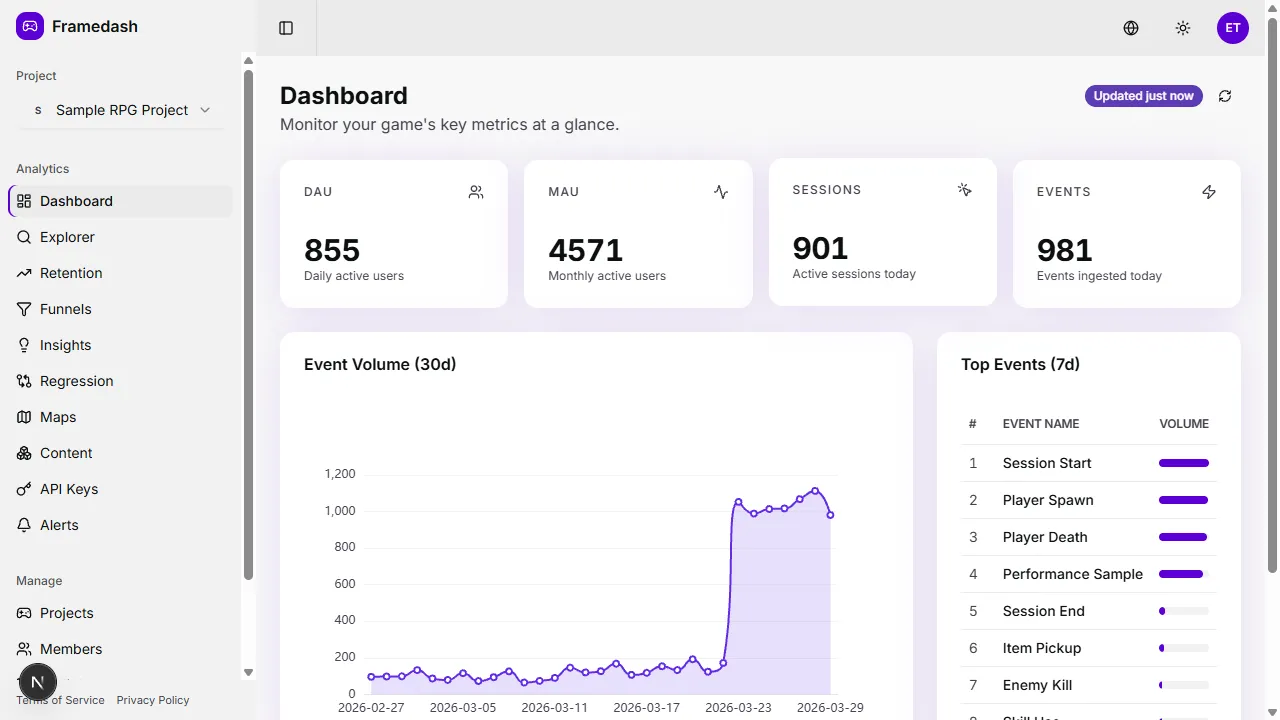
From SDK to production telemetry
From SDK integration to API access, everything you need is here.
What is Framedash
Telemetry built for games. Visualize FPS, memory, and GPU on your maps, then review build-to-build changes.
Integrate the SDK
Add the SDK to your Unity, UE5, or Godot project and start sending telemetry.
Access via API
Query and analyze event data over REST. Works with the CLI, MCP server, and TypeScript client.
Understand the concepts
Learn how heatmaps, CI-integrated profiling, and the content registry work.
AI Coding Agents
Using an AI coding agent? Wire up Claude Code, Codex, or any MCP client to query your telemetry.
Start measuring in minutes
Add the SDK and initialize with an API key. Telemetry streams automatically.
using Framedash;
// Initialize once at startup, then send an eventTelemetrySDK.Initialize(apiKey: apiKey, buildId: Application.version);
TelemetrySDK.Instance.Track(    eventName: "player_death",    mapId: "desert_01",    position: transform.position);